Quest Tools
A downloadable tool
A simple tool manager made for rooted Meta Quest headsets.
Tool Showcase: Watch on TikTok
Quest Tools includes game patching, ADB, Frida tools, process viewing, and root utilities in one app.
Features
- SU root support
- Standalone root support
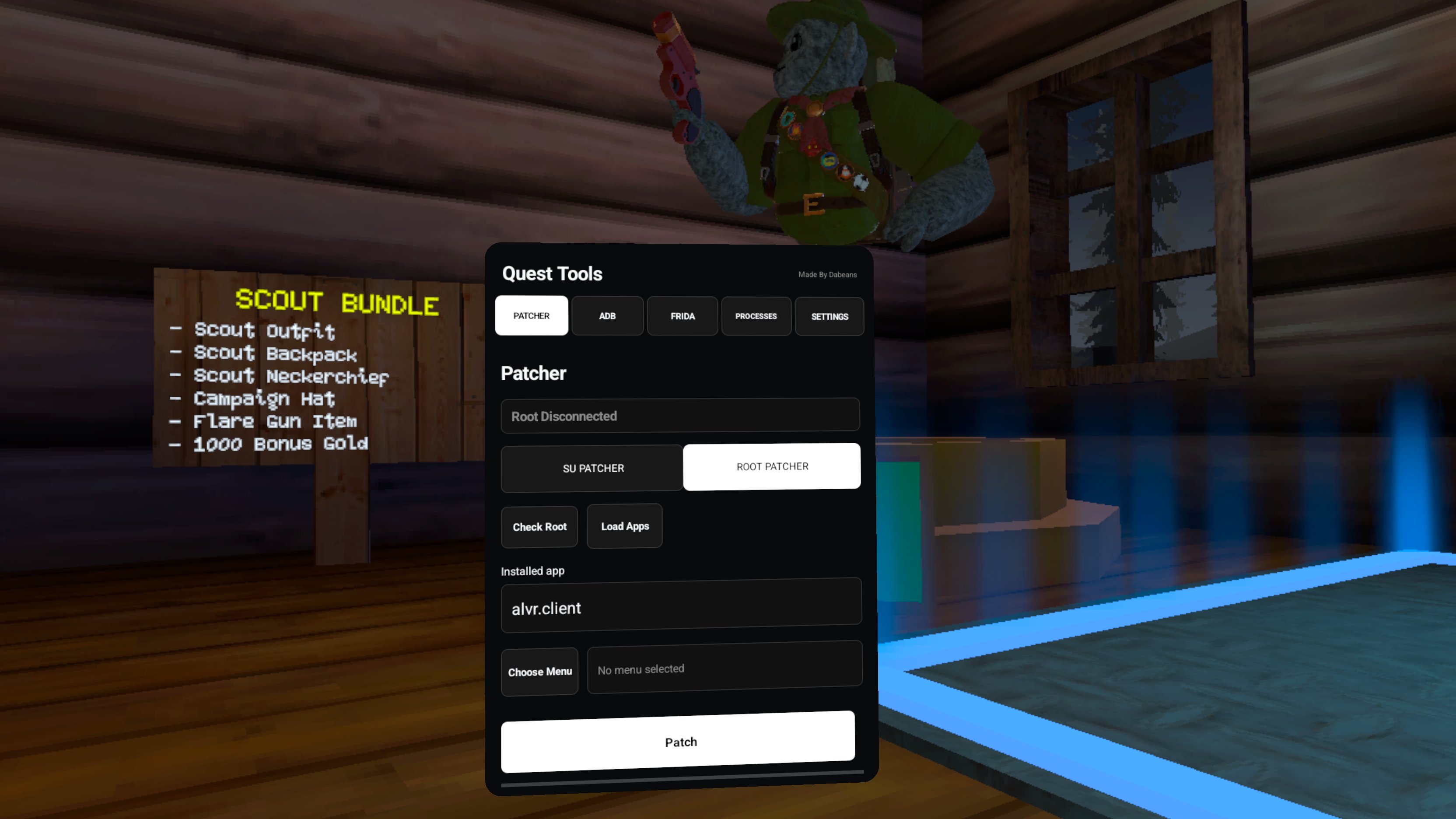
- App selector
- Menu
.soselection - Automatic backup and restore
- Automatic library loading
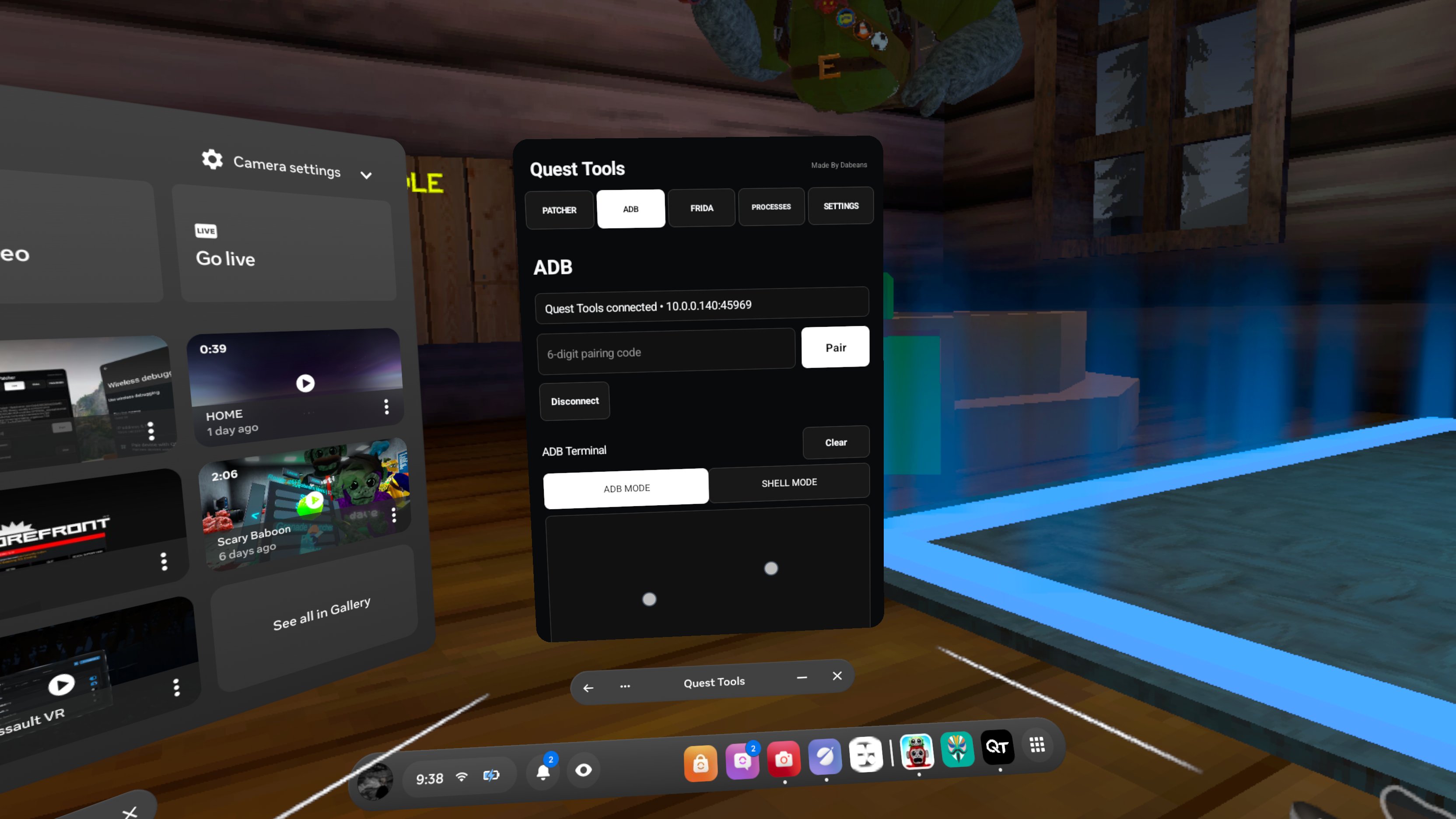
- Built-in ADB terminal
- PC and wireless ADB support
- wireless adb pairing
- Built-in Frida terminal
- JavaScript and TypeScript support
- Automatic
.tscompilation - Custom Frida script directory
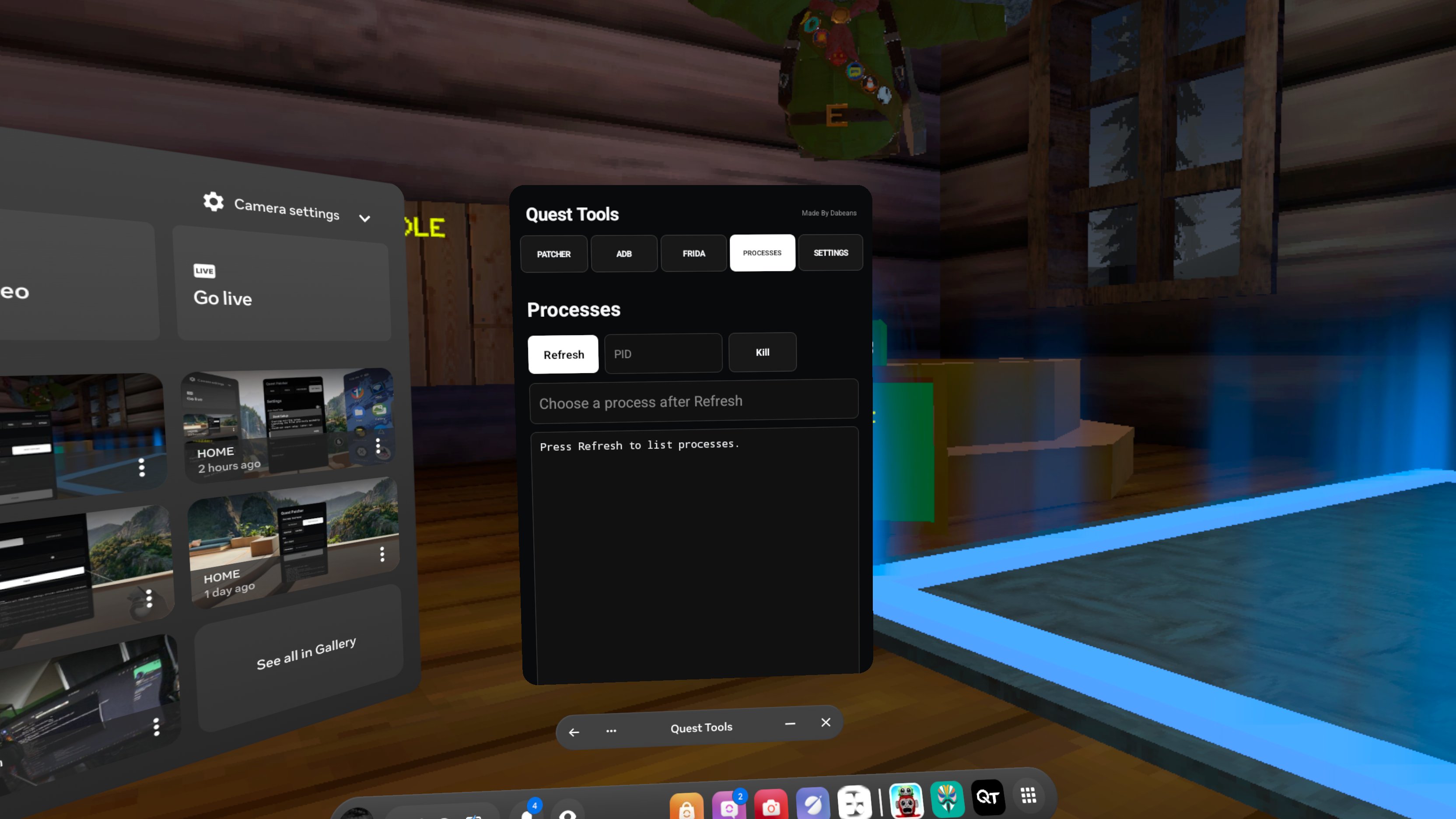
- Running process and PID viewer
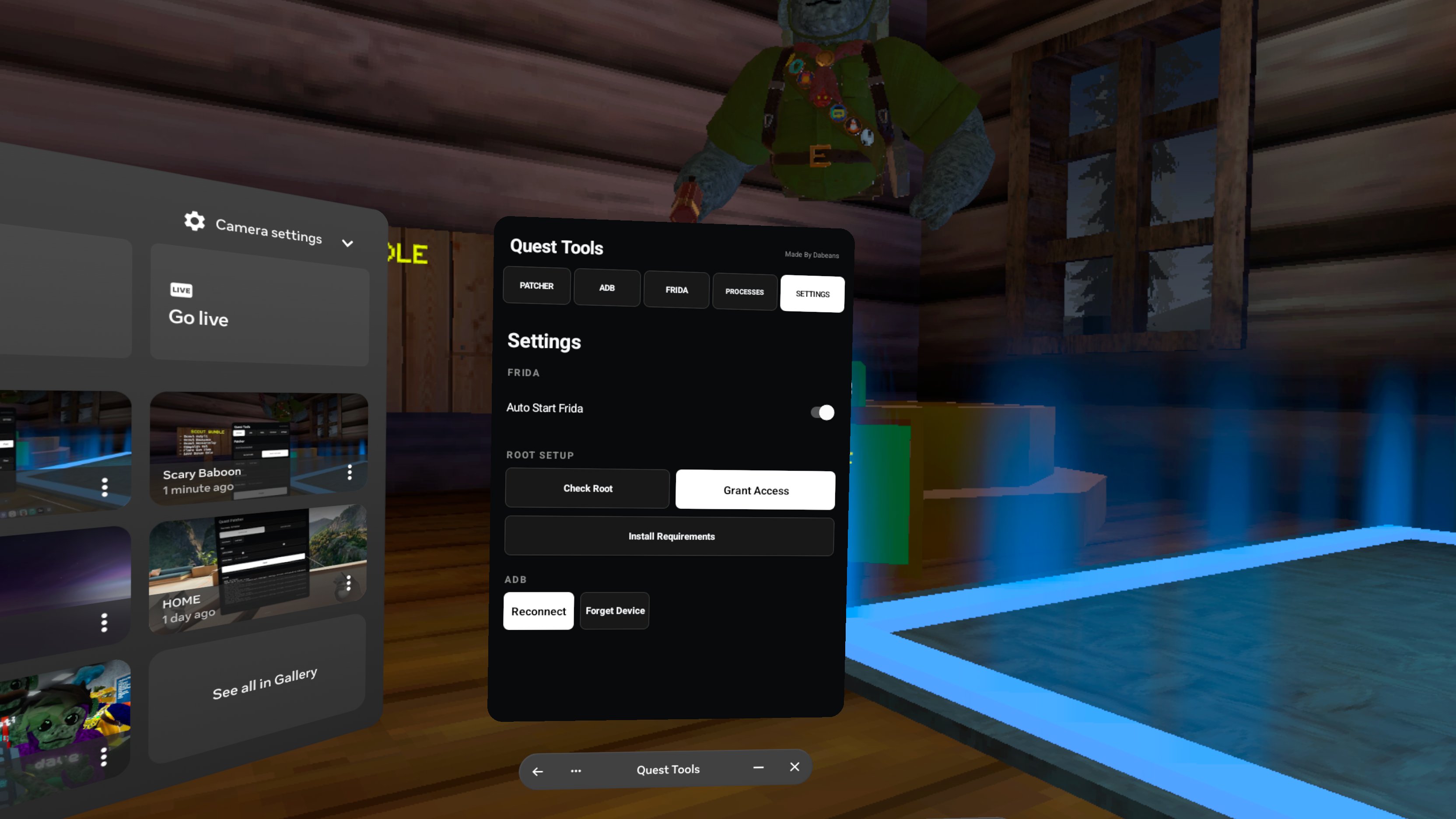
- Root check
Patcher
Choose your game, select a compatible menu .so, and press Patch. Quest Tools handles the files, installs the selected menu, verifies the patch, and launches the game.
ADB
Connect through PC ADB or wireless debugging. You can run regular ADB commands or enter shell mode when needed.
Examples:
adb shell, adb devices, adb logcat
Frida
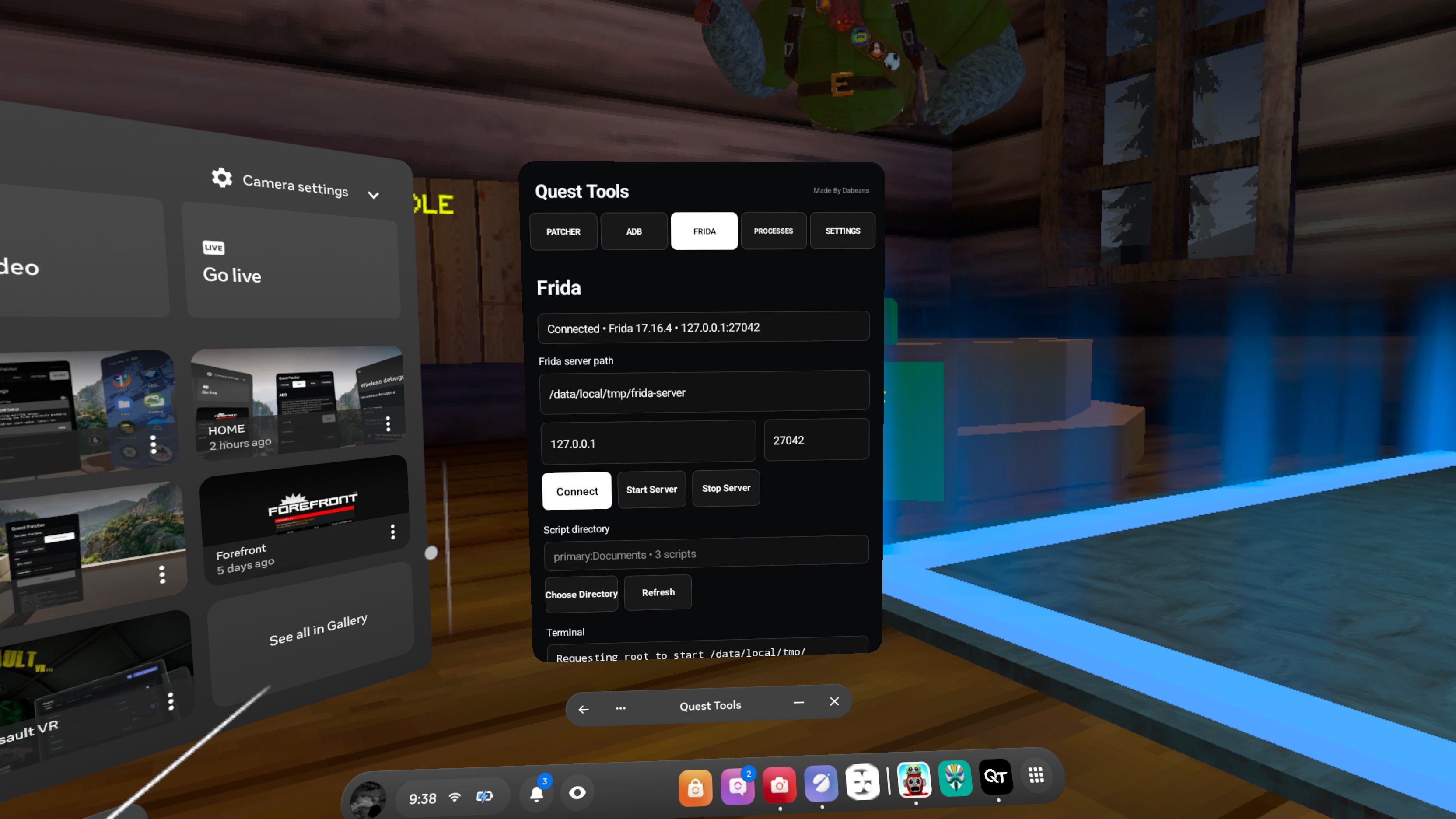
Select your script directory, start Frida, and refresh the Processes page to find the game PID.
Example:
frida -p 20296 -l frida-il2cpp-bridge.js -l menu.ts or menu.js
Replace 20296 with the current game PID. TypeScript files are compiled automatically before being loaded.
Requirements
- Rooted Meta Quest 2, Quest 3, Quest 3S, or Quest Pro
/data/local/tmp/suor a supported root manager- ARM64
.sofile for patching - Frida scripts and Frida server for Frida features
- Developer Mode and wireless debugging for wireless ADB
Status: Stable and tested
Brick Risk: Low to no chance
Use at your own risk. I am not responsible for in-game bans, account bans, broken modifications, or damage caused by incompatible files.
⚠️ MAGISK WARNING
When using Install Requirements, do not press Install, Update, or change any settings inside the Magisk app. Doing so could remove root access or cause problems with your headset.
Only use the Magisk app to grant Quest Tools root permission when prompted. If you are unsure, close Magisk without changing anything.
Made By Dabeans
Download
Install instructions
- Download the Quest Tools APK.
- Connect your Quest to your computer.
- Install the APK using SideQuest, or ADB
adb install -r Quest-Tools.apk
- Put on your headset.
- Open the App Library and select Unknown Sources.
- Launch Quest Tools.
- Go to settings and install requiments and grant quest tools super user access
Your headset must already have compatible root access configured before using Quest Tools.
Comments
Log in with itch.io to leave a comment.
peak btw